
Create an
animated deck
Describe your topic in one sentence. Lumora writes it, designs it and animates it. What comes back is a finished presentation you can edit in place, present full-screen, or send as a link.
See what
it makes
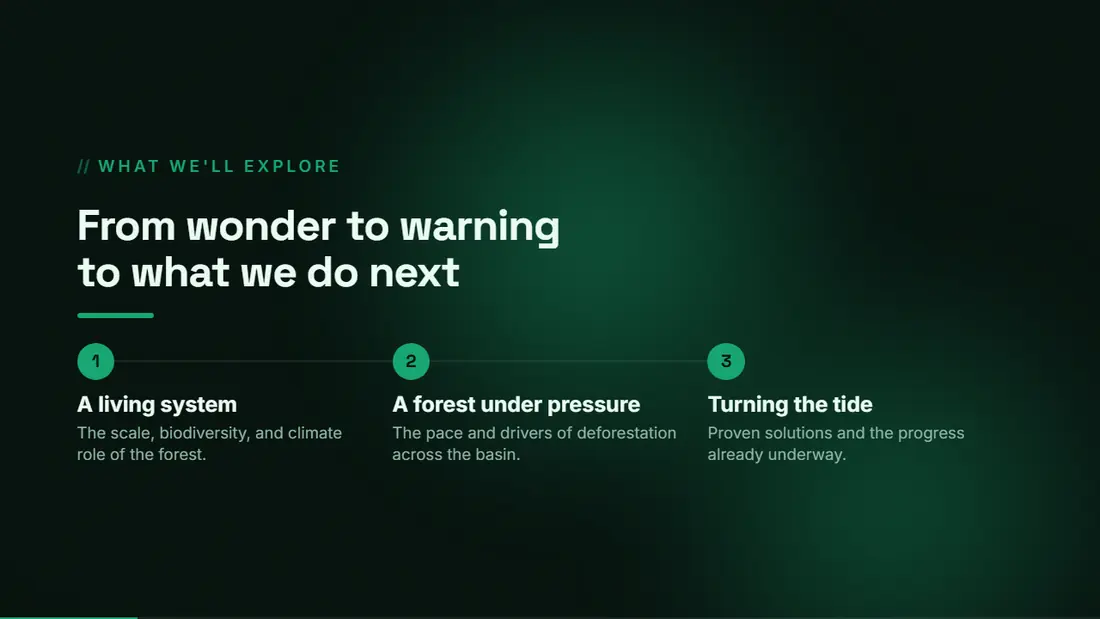
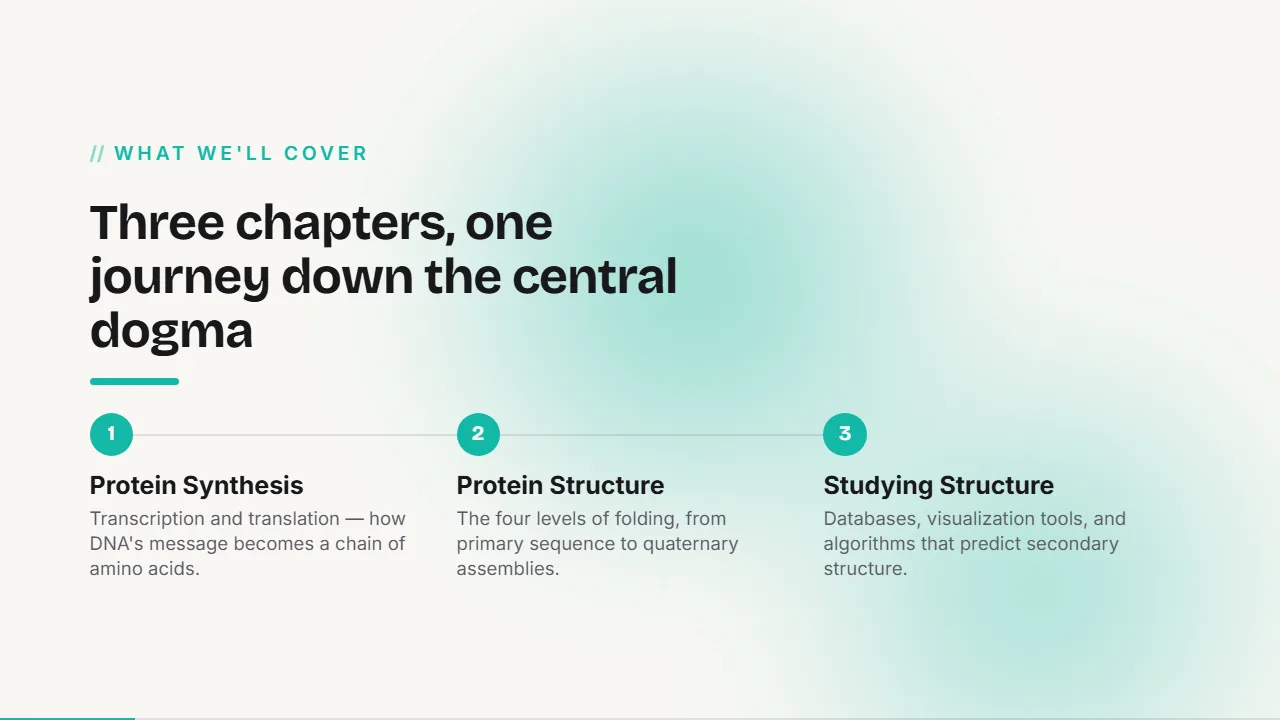
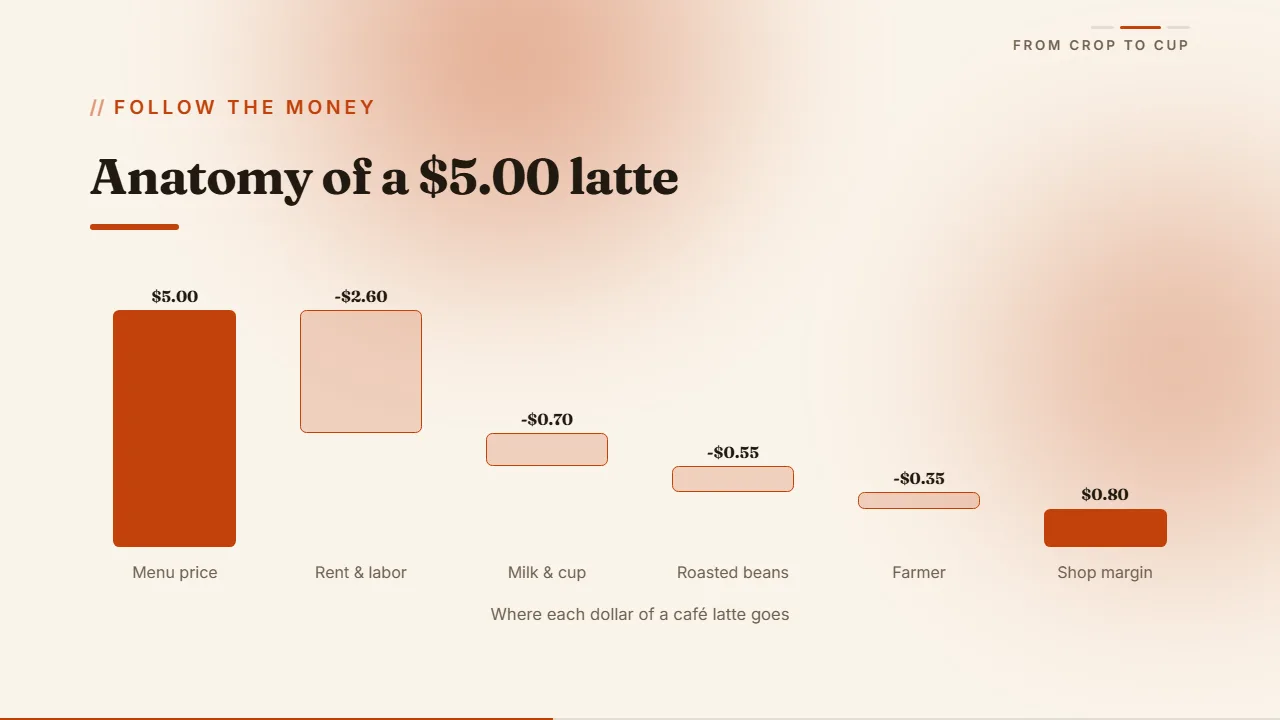
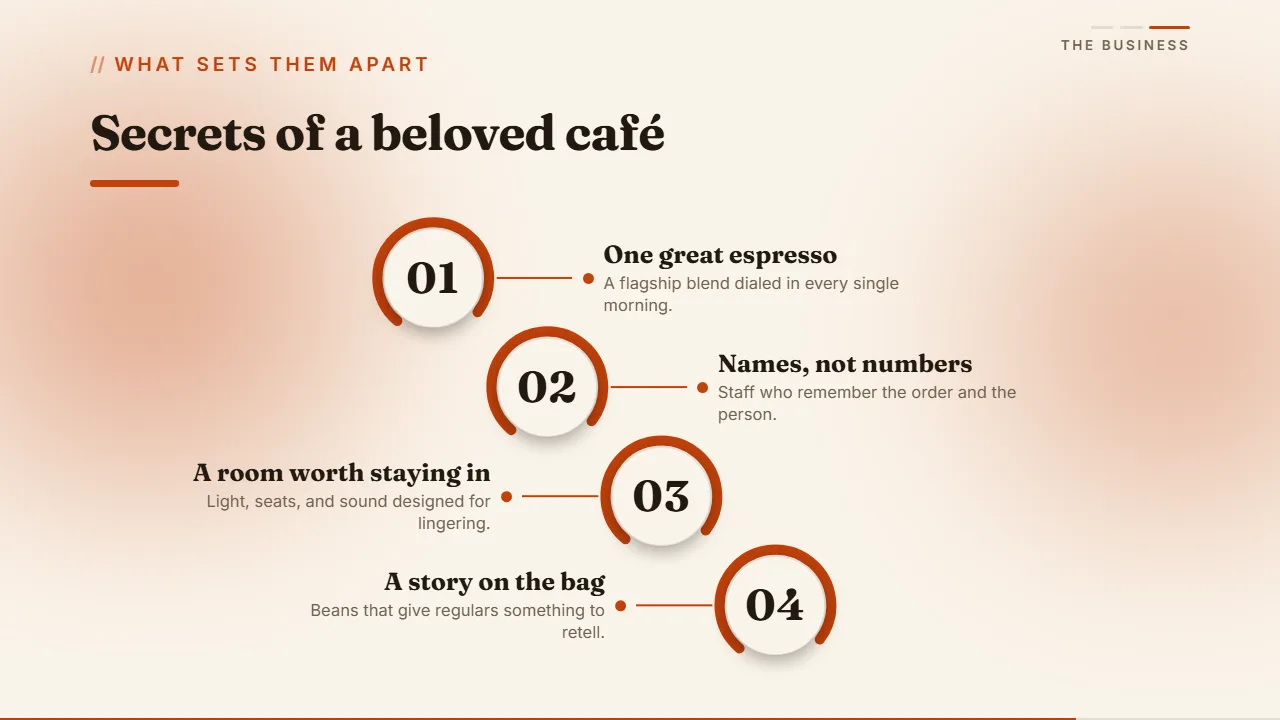
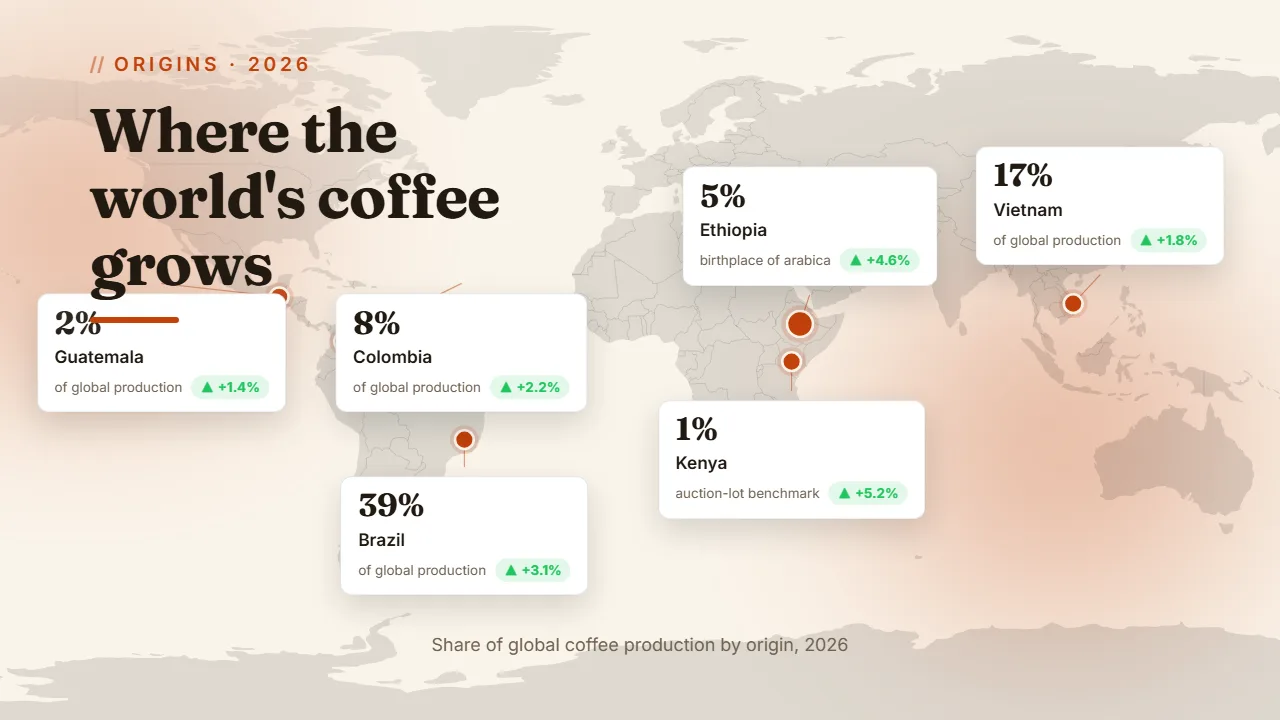
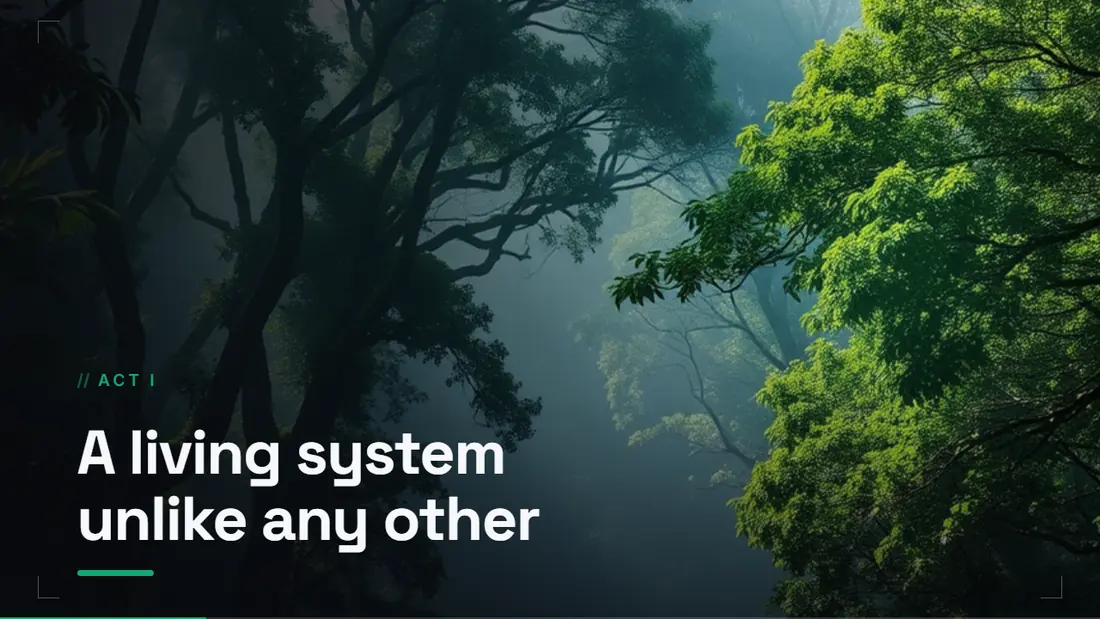
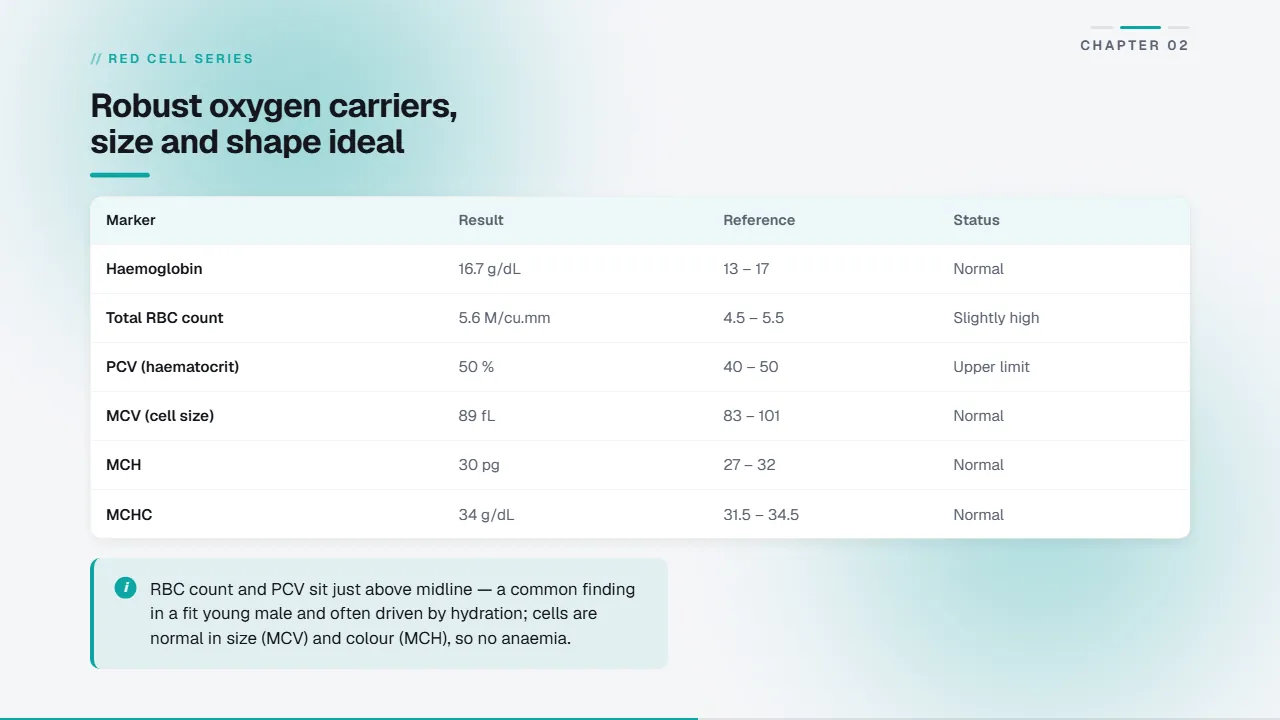
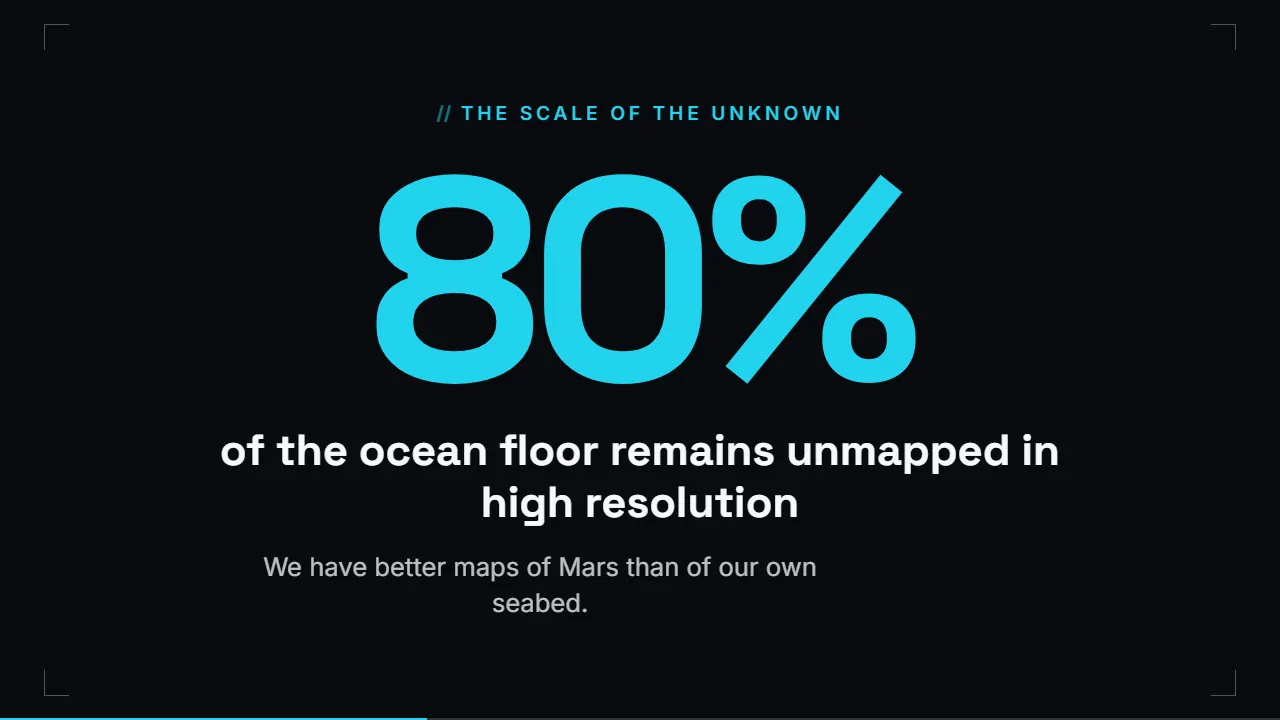
Four decks Lumora generated, in four different themes. Every slide is exactly what came back; none of them were touched up by hand afterwards.






Every deck gets its own look.
Nineteen themes, six surface styles, and a design system picked to match your topic. Change the look of the whole deck at once and the hierarchy, spacing and motion stay where they were.
Every combination below is live, running through the same renderer the decks use.
A deck built
around your
actual story
There are sixty-one block types: covers, stats, charts, tables, timelines, maps, galleries. Lumora picks whichever one suits each idea, and you can reorder, replace or restyle any of them in the Studio.

Ship it anywhere
Present it, hand it over, or send a link. The design and the motion travel with the deck wherever it lands, and there is no watermark and no Lumora branding anywhere on it.
Present full-screen
The interface gets out of the way and the deck takes the whole screen. Move with the keyboard or a swipe, and each slide animates as you land on it.
Export as PDF
One click renders every slide the way it looks on screen. The fonts, charts and tables are the real ones, and the feathered imagery survives the trip.
Share as link
Publish a read-only link and anyone can open the deck in a browser. They don't need an account, and there's nothing to install.
Make it yours
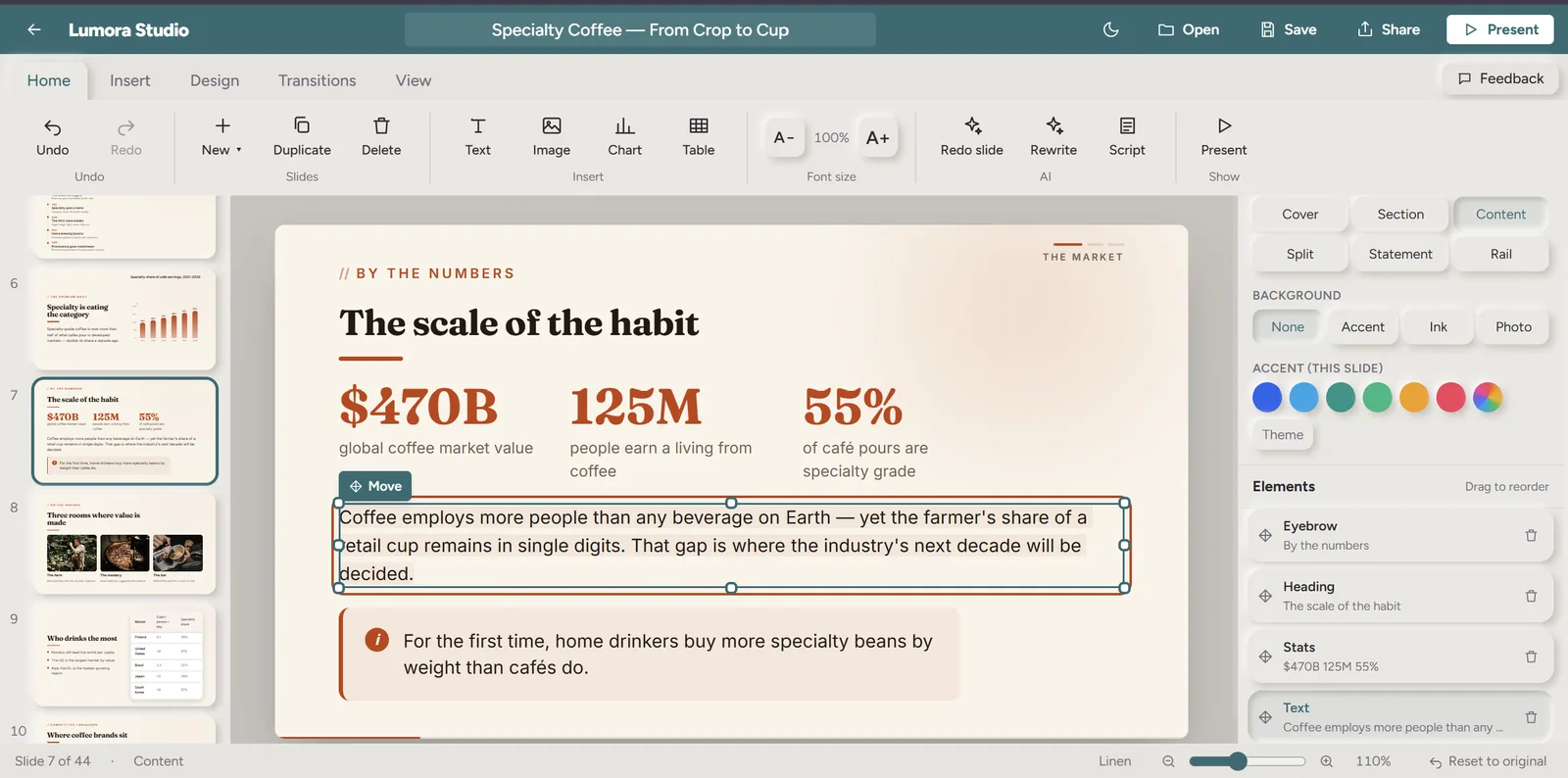
Edit every word in place.
Click any headline, bullet or caption and type. Drag things around the canvas, resize them, put them where you want them. Fixing one sentence never means regenerating the deck, and there's no second editor to open.

Re-theme the whole deck in one click.
Nineteen themes and six surface styles, plus a custom accent colour if none of them is quite it. The whole deck re-skins at once, and nothing loses its hierarchy, spacing or motion.
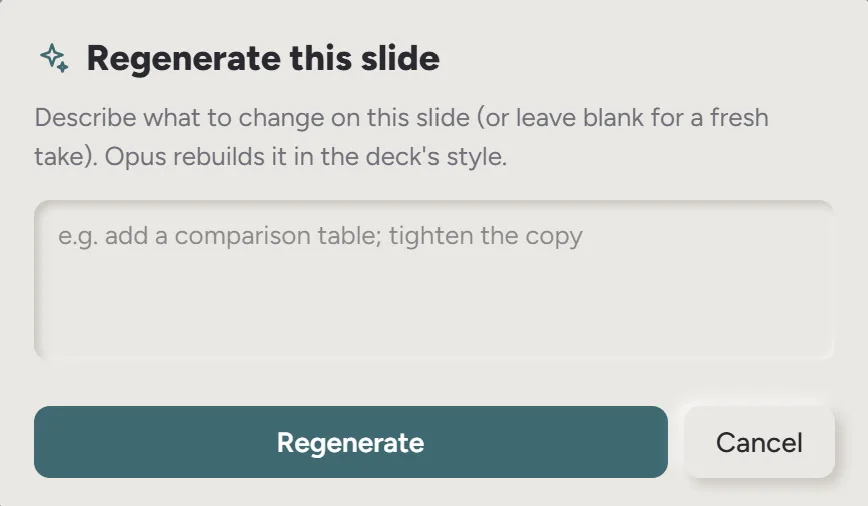
Ask AI to redo a single slide.
Regenerate any slide with an instruction: make it a chart, add a key stat, cut it in half. The rest of the deck stays exactly where it is.
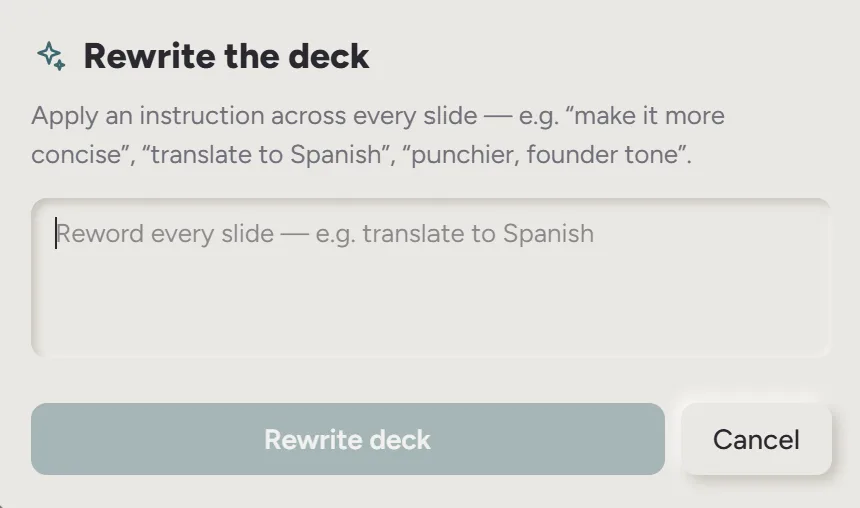
Rewrite the deck in any language.
Ask for Hindi, Spanish, Japanese, or anything else. Every headline, bullet and caption is translated in place while the layout, the charts and the design stay put.
How to create
a deck
- 01.Describe the deck in a sentence: the topic, who it's for, and what it has to prove.
- 02.Watch the slides stream in, designed and animated as they're written.
- 03.Edit anything in place, then re-theme or regenerate the slides you want to change.
- 04.Present full-screen, export a PDF, or share a read-only link.
Talk to
a person
Questions about a deck, your plan or a payment? Email support and a person answers, usually the same day.
Describe the presentation you need. Lumora builds the rest.
Make a deck